
ChatGPT 2.5 Image Generator
ChatGPT Image Generator
Turn one sentence into a polished picture, then refine every detail in words — a ChatGPT image generator and editor in one window.
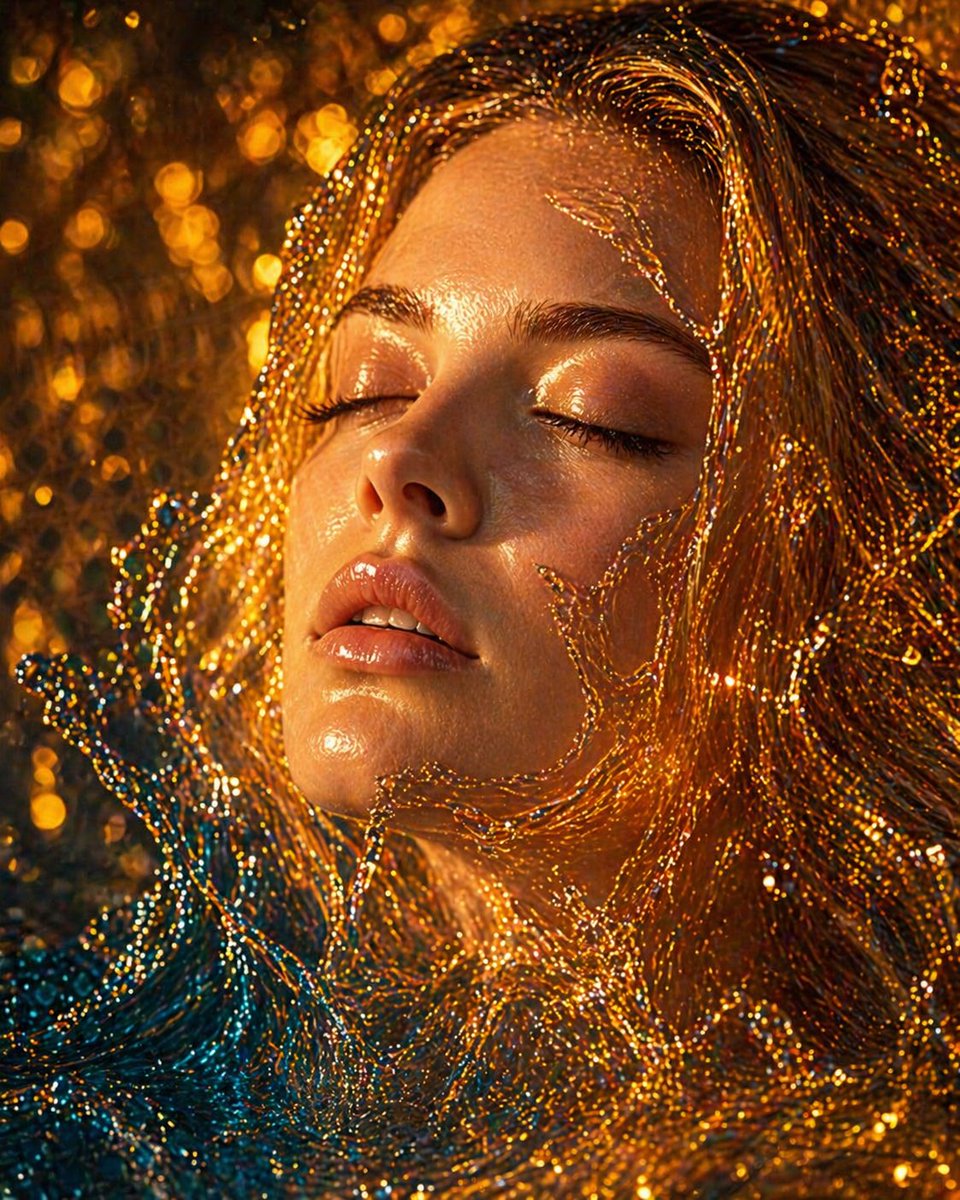
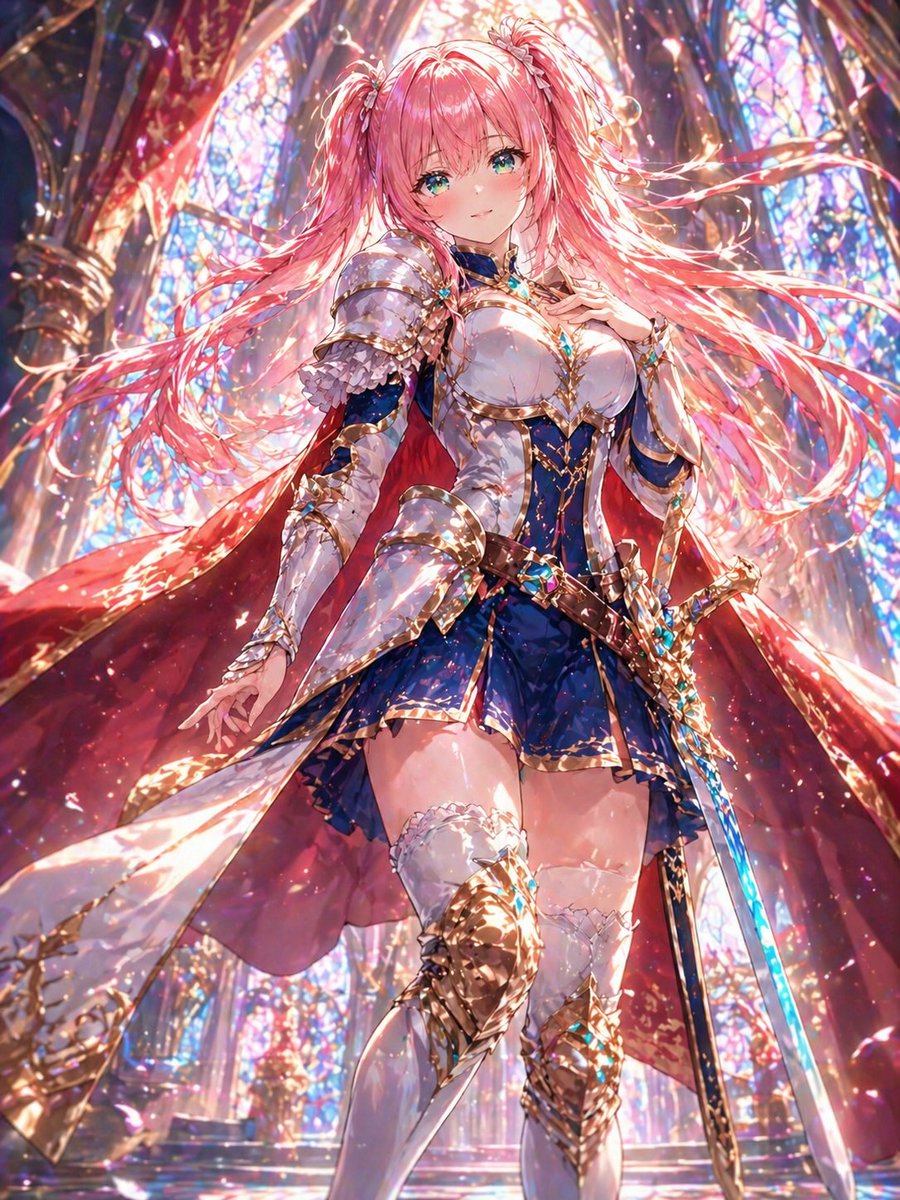
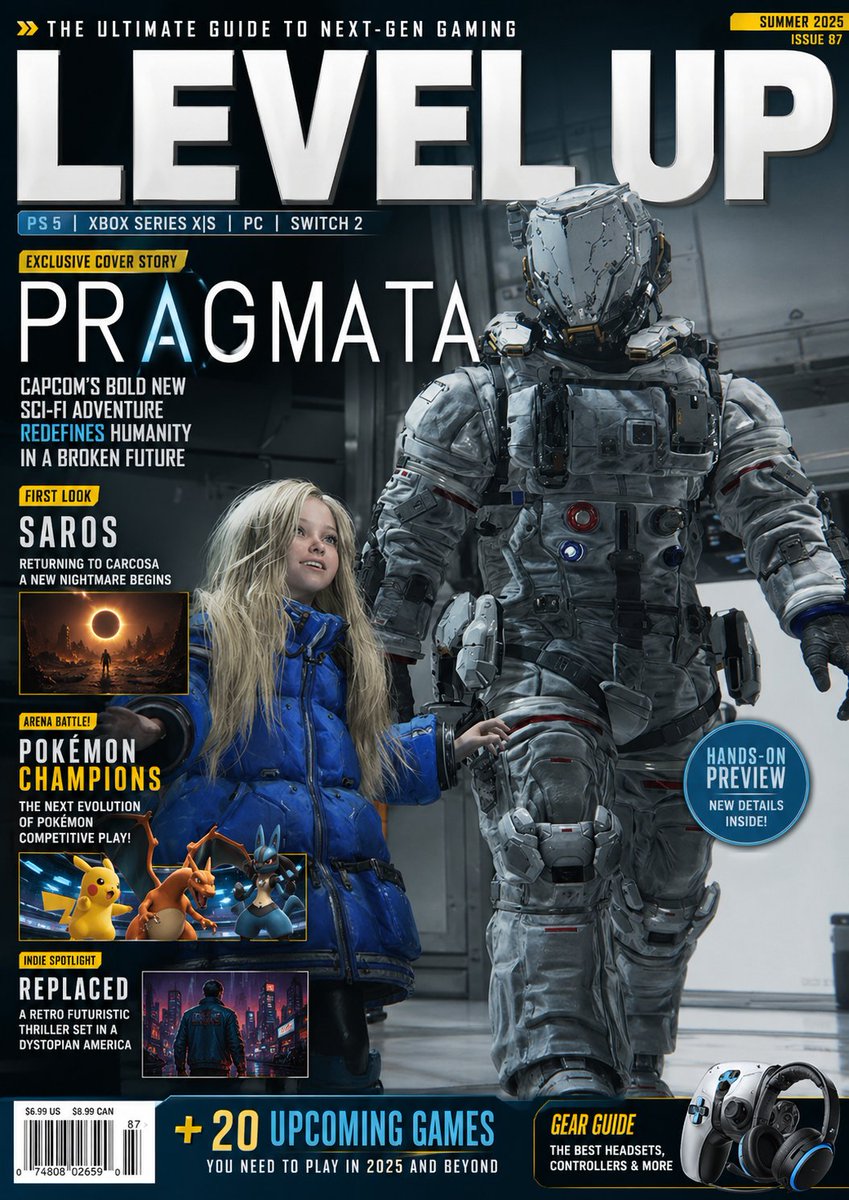
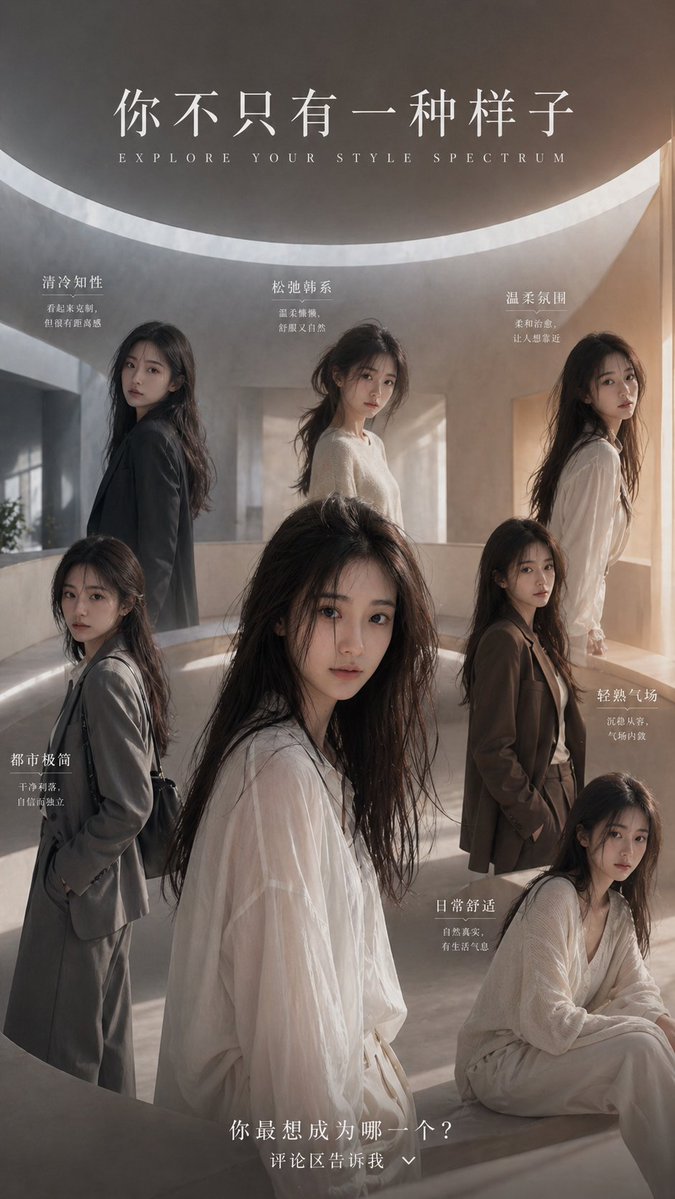
Recent ChatGPT Image Generator Output





ChatGPT Image Generator
Making a picture and changing it are one job here
The generator and the editor sit in the same window, so a draft never has to leave the browser to be improved.
What follows covers where a ChatGPT image generator earns its place, when describing an edit beats dragging a slider, and which parts of a finished frame still deserve a careful look before it is published.
ChatGPT Image Generator
From assembling a picture to describing one
Layers, masks and blend modes exist because a picture used to be built by hand, one decision at a time. A ChatGPT image generator replaces that assembly with a sentence: the subject, the setting, the light and the mood are named in the order they matter. The trade is real, because speed replaces precision and a description resolves into pixels in ways you cannot inspect in advance. Knowing which of the two a given picture needs is most of the skill, and the ChatGPT image editor waiting in the same window is where the second half of the work happens.
ChatGPT Image Generator
An edit described rather than selected
A conventional editor asks where, and a ChatGPT image editor asks what. There is no lasso to close around a jacket and no feather value to tune, because the instruction names the thing and the change, and everything else comes back as it was. Broad work survives this well: a different sky, a warmer light, a tidier background. A change that depends on an exact boundary, moving one strap by three millimetres, is where the approach runs out and a mask would have been quicker. Anything a ChatGPT image generator cannot settle in words has to end up in one of those masks instead.
ChatGPT Image Generator
Naming what the light does beats naming a mood
Words such as dramatic or beautiful carry almost no information, while the angle and softness of a light source carry a great deal. Afternoon sun through a window, one soft source from the left, flat overcast daylight, hard flash against a plain wall: each of those lands somewhere specific. The same holds for the viewpoint, whether that is a low angle, a long lens or a wide view from above. A ChatGPT image generator has little to work with when the description is a feeling and plenty when it is a physical fact.
ChatGPT Image Generator
The first frame is a direction, not an asset
Generation returns a plausible picture rather than the intended one, and the distance between the two shows up on the second or third attempt. That is not a fault to repair with a longer description, it is the reason a first pass is worth treating as a sketch. Holding the description steady and changing one clause at a time turns the work into a comparison, which is far easier to judge than a single result you either accept or abandon. A ChatGPT image generator rarely hands over the right frame immediately, and the one worth keeping often arrives on the fourth run.
ChatGPT Image Generator
Lettering inside a frame is still the weak spot
Text rendered into an image remains the least dependable part of these tools, and a ChatGPT image generator is no exception. Short words usually survive; longer headlines pick up swapped letters, invented glyphs, or a typeface that changes halfway along the line. The practical route is to leave the lettering out of the picture and set it afterwards, or to accept the result as a mock-up rather than a finished poster. Reading a headline letter by letter on the full-size view costs a minute and exposes what a thumbnail forgives.
ChatGPT Image Generator
A frame has to fit the space it is going into
One scene rarely works as a wide banner, a square post and a tall story at the same time, because each container pulls the eye somewhere different. Cropping a single render into three shapes usually removes whatever made it work in the first place. Naming the destination before generating, and letting the proportions shape the composition, costs one extra run and saves a round of repairs later. A ChatGPT image generator given the frame first will place the subject for it, since a subject pushed to one side leaves room for a headline that a centered one does not.
ChatGPT Image Generator
The last pass is still a human one
A frame can look convincing at preview size and fall apart once it fills a page. Hands are the usual culprit, along with reflections that do not match their source, lettering that was already suspect, and objects merging into each other along a soft edge. A ChatGPT image generator cannot tell which of those matters for your picture, so the check has to be yours. Faces of real people, brand marks and anything carrying a legal claim deserve particular attention before the frame leaves the browser, and reviewing the finalists at full size is slower than scanning a grid and considerably more reliable.
ChatGPT Image Generator
Holding a set of pictures together
A campaign or a catalogue falls apart when the images drift: one lit warm, the next cool, backgrounds at different densities, subjects at different scales. Because a ChatGPT image editor works from words, the way to keep a run consistent is to keep those words still. Carry the description of light, lens, palette and background unchanged between generations and vary only the subject or the action. The set then arrives from the ChatGPT image generator reading as one body of work, which is what a designer would otherwise have been paid to guarantee.
ChatGPT Image Generator
What the ChatGPT image generator and editor each take on
The controls that matter here are mostly words, plus the handful of decisions still better made by hand.
A description as the whole input
Subject, setting, light and shape written as ordinary sentences. Nothing has to be arranged or placed before a first result exists.
Changes asked for in words
A ChatGPT image editor takes an instruction such as a different sky or a warmer tone and returns the frame with the rest intact. Broad corrections suit this well; exact outlines do not.
A look that carries across runs
Reusing the same light, lens and color wording between generations is what keeps a series reading as one series instead of a pile of unrelated pictures.
Generating and editing in one window
A result gets pushed further on the spot rather than exported to another program and brought back. The ChatGPT image editor sitting beside the prompt box is what makes that possible, and it is where most of the time in a small job would otherwise disappear.
A frame built for its destination
Banner, post, story or print: the proportions are settled before the picture is made, so the composition grows around the final shape instead of being cropped into it.
A file that leaves cleanly
The finished image downloads in a format that opens straight in an editor, a store back end or presentation software, with no conversion hop in the middle.
ChatGPT Image Generator
From a description to a frame worth keeping
Four steps, and the third one is the one most people skip.
1
Build the description in parts
Name the subject first, then the setting, then the light, and finish with the shape the picture has to fit. A description assembled in that order is easier to adjust later than one long sentence.
2
Make the first frame
Treat the opening result as information rather than a deliverable. What it gets wrong usually says more than what it gets right.
3
Change one clause at a time
Adjust a single element and generate again. Two changes at once make it hard to say which one pushed the picture in the direction you wanted.
4
Take the close ones out of the session
Download every version that is nearly right, then compare them side by side away from the tool. The best frame is easier to spot among four than on its own.
ChatGPT Image Generator
Questions about the ChatGPT image generator and editor
Accounts, descriptions, editing, cost, and what the output is actually good for.
What is a ChatGPT image generator?
A tool that turns a written description into a picture. This one runs in the browser and keeps the editing in the same window, so a draft can be changed without moving it anywhere else.
Do I need a ChatGPT account to use this?
You sign in here so credits and saved results belong to you, but no ChatGPT account and no Plus plan is involved at any point. The generator opens on its own, and the ChatGPT image editor is part of the same page rather than a separate service.
How does describing an edit differ from using sliders?
A slider changes one property across the whole frame and leaves you judging the result, while a description names what should change and lets everything else stay. Broad corrections suit the second approach, exact boundaries the first, and a ChatGPT image generator asked to cross that line will pick a reading you did not have in mind.
How much detail should the description carry?
Enough to fix the subject, the setting, the light and the shape. Beyond that, extra clauses compete with each other and the result becomes harder to steer.
Why does the same description return a different picture?
A ChatGPT image generator resolves the description again on every run rather than replaying a stored result, so small differences in composition and detail are expected. A longer description narrows the range without removing it.
Can I change a picture I already have?
A photograph or an earlier result can be handed to the ChatGPT image editor as a starting point and altered by description. Work that depends on an exact outline is better done in a tool that offers masks.
Can the results be used commercially?
That depends on the platform, the subject matter and the rights attached to anything you supplied. Brand marks, real people and third-party artwork all need checking before a picture goes into business material.
What does a generation cost?
Generation runs on account credits, and the balance sits next to the input box. Heavier requests consume more, so testing a direction on a single frame is cheaper than asking a ChatGPT image generator for a dozen versions of one idea.