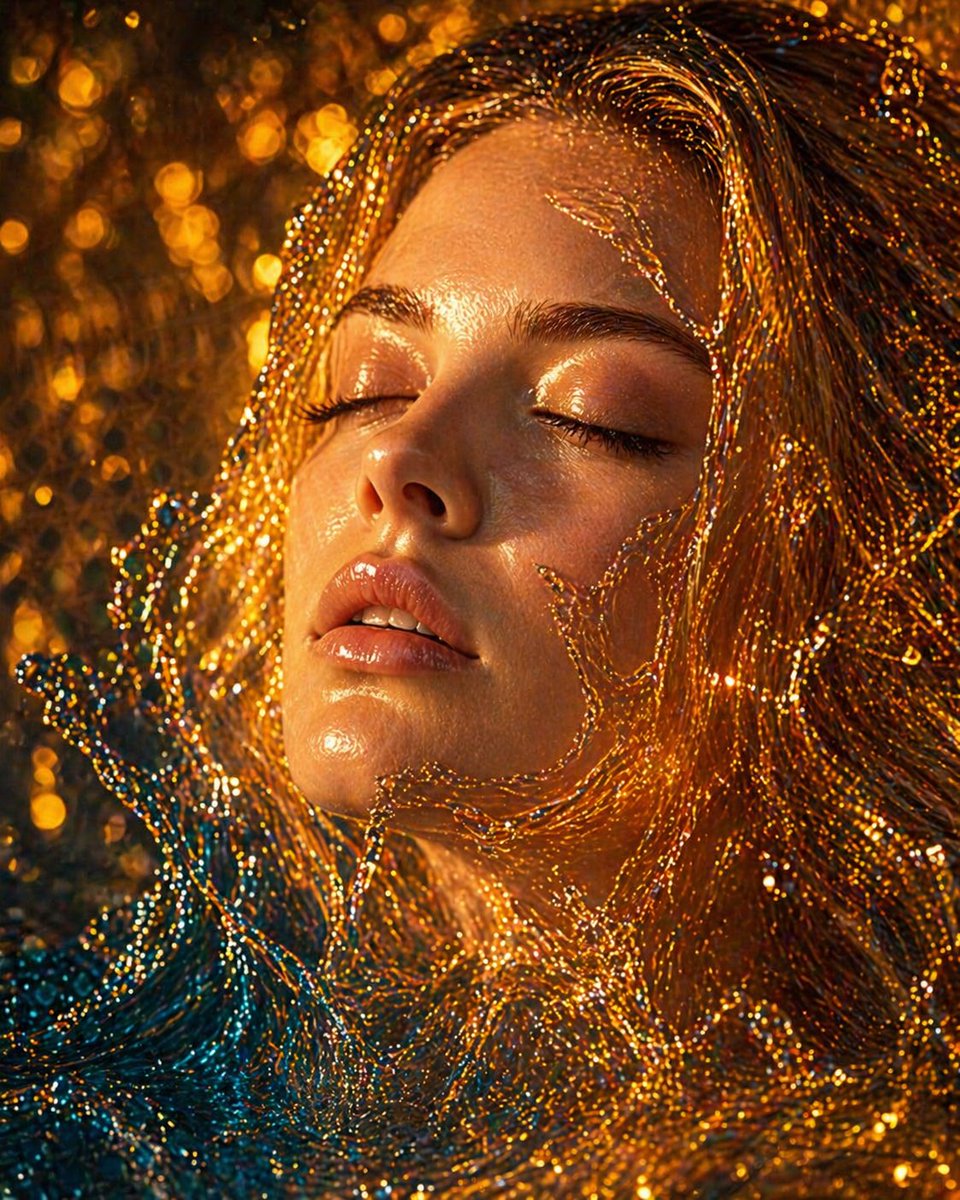

PngText
AI image Generator editing

AI Face Editor

An AI face editor is the most demanding kind of photo tool, because a face is the one thing every viewer has spent a lifetime learning to read. Small shifts that would pass unnoticed on a landscape register instantly on a person.

The most sensitive surface there is

AI Face Editor

Ask someone to describe a friend and they will list features, but what actually lets them recognize a face is a set of tiny asymmetries no list ever contains. That is why an AI face editor is harder than any other kind of image work. A slight widening of the eyes or a whisper too much smoothing does not read as a small change. It reads as somebody else, and the person looking at the photograph knows it immediately.

  • Skin cleaned while pores and texture stay in place
  • Features adjusted by small amounts rather than reshaped
  • Light on the face repaired without flattening its shape
  • Result compared against the original before it is saved
A studio-lit portrait beside a softly retouched version with the same face structure

AI Face Editor

Why faces are the hardest thing to edit

And why restraint beats effort here.

The material below covers what an AI face editor should leave alone, how retouching differs from reshaping, what natural really means on skin, which three areas carry the most risk, and the comparison that catches an over-edited portrait before it reaches anyone else.

A face marked with the small asymmetries that make it recognizable, from the eye line to a mole

AI Face Editor

A face is read, not looked at

People do not inspect faces, they decode them, and they do it in a fraction of a second on very little information. That decoding is tuned to natural variation: a mole in an unexpected place, one eyelid doing something slightly different from the other, a small patch of shine on the nose. An AI face editor that treats these as flaws and evens them out removes the exact signals being used to recognize the person, and the result feels wrong in a way most viewers cannot articulate.
Two panels separating a removed blemish from an altered jawline that changes the whole silhouette

AI Face Editor

Retouching and reshaping are different acts

Two very different operations sit under the same heading. Retouching removes something temporary: a blemish, a scratch, a patch of glare, a stray hair. Reshaping changes the underlying structure: a narrower jaw, larger eyes, a straighter nose. The first is reversible in effect and leaves the person intact and recognizable. The second does not, and it is worth being honest about which one is being performed, because an AI face editor makes the second just as easy to reach as the first, and the request is usually phrased casually.

A close crop of skin showing natural tone variation beside a version where the surface has gone uniform

AI Face Editor

What natural actually means on skin

Skin is not a uniform material. It varies in tone across the face, is slightly redder around the nose, carries fine shadow in the creases beside the mouth, and shows pores at close range. It also reflects light unevenly, which is why the forehead and the tip of the nose catch a sheen no other part does. Every one of those is a feature rather than a defect. A result from an AI face editor looks believable precisely to the extent that it preserves this variation, and looks artificial to the extent that it removes it.

One blemish removed while the surrounding pores and tone are left exactly as photographed

AI Face Editor

Smoothing is not the same as cleaning

The single most common way a portrait ends up looking processed is applying a blur-like treatment across the whole face rather than targeting what was wrong. Blemishes occupy a small area; whole-face smoothing touches ten times as much. The practical approach with an AI face editor is to name the specific thing being removed, whether that is one spot, a set of marks, or a shine, and let the rest of the surface stay exactly as the camera recorded it. Precision of target matters more here than strength of effect.

A portrait where the eye line, tooth shapes, and hair strands over the forehead are marked for checking

AI Face Editor

Eyes, teeth, and hair carry the most risk

Three areas deserve caution because errors there are visible from across a room. Eyes are sensitive to the smallest shift in size or spacing, and the whites should never be pushed to pure white, since that turns a gaze into something glassy. Teeth are equally unforgiving: a natural smile does not show a continuous uniform band of identical teeth, and an AI face editor that produces one turns a smile into a dental diagram. Hair strands sit over the forehead, ears, and collar, and edges that stop cleanly at the skin are the clearest sign of clumsy work.

A portrait whose facial structure is lost under flat fill light and restored when the original shading returns

AI Face Editor

The light on a face is the light on its shape

Faces are readable because light falls across them unevenly, defining the brow, the cheekbone, and the line of the jaw. Any repair that lifts shadows across the whole face flattens that geometry, and a flattened face reads as a mask no matter how clean the skin has become. An AI face editor should leave the direction and quality of the existing light alone, filling in only the areas that were genuinely underexposed. A frame where the eyes are lost in shadow is a lighting problem, and correcting the exposure solves it without touching the face at all.

An edited portrait displayed beside the untouched original at matching size for comparison

AI Face Editor

Compare it against the original before you save

The final check is simple and frequently skipped. Put the finished frame next to the untouched one at the same size and look at them together. If the pair reads as one individual having a good day, the work is doing its job. If the edited version reads as a different individual, something structural was changed rather than cleaned. A second useful test is to look at the edit at thumbnail size, where a face is often seen: problems that vanish at full size sometimes become obvious when shrunk, and an AI face editor that survives both tests is one worth keeping.

AI Face Editor

What can be changed, and by how much

The scope of a portrait pass, from surface to structure.

Face located before anything happens

The features are mapped first, which lets an AI face editor restrict changes to the regions named rather than treating the whole frame as one surface.

Skin cleaned at the point of the fault

A spot, a set of marks, or a patch of shine is removed where it actually sits. The surrounding skin keeps its pores, its uneven tone, and the fine shadow in the creases.

Tone repaired, not flattened

Exposure is lifted where the frame was genuinely dark, while the existing shading across the brow and cheekbone is preserved, since that shape is most of what makes the face readable.

Feature tuning kept small

Eyes, brows, and the mouth can be nudged rather than rebuilt. Small adjustments on an AI face editor preserve recognition; large ones produce a face that nobody who knows the subject will accept.

Existing light respected

The direction and quality of the light already on the subject set the limits for any fill or brightening, so the result stays consistent with the rest of the photograph.

Full detail kept on export

The saved file holds the resolution of the original, so the work survives being viewed large, printed, or cropped into a profile frame.

AI Face Editor

Working through a portrait without overdoing it

Four stages that keep the person recognizable.

1

Name the one thing that is wrong

Look at the frame and decide what should change. A single named problem keeps an AI face editor focused, whereas a general instruction to improve the face invites changes across the whole surface.

2

Deal with light before skin

Fix exposure and any harsh shadow first. A great deal of apparent skin trouble disappears once the frame is lit properly, and the later work is then judged on accurate tones.

3

Clean only what was named

Remove the specific marks, spots, or glare that prompted the edit. Resist the impulse to smooth the rest, since the variation across a face is what keeps it from looking manufactured.

4

Set it beside the original

View the result next to the untouched photograph at the same size before saving. If the two do not clearly read as the same person, step something back rather than trying to repair it further.

AI Face Editor

Portrait editing questions

Naturalness, scope, and how far to take it.

What counts as natural for a portrait?

That the person on screen is unmistakably the person in the original, on a day when the light was kind. Skin keeps its texture and its unevenness, the shape of the face is unchanged, and the small asymmetries that carry recognition are still there.

Should I remove a mole or a scar?

That is the subject's call and not a technical one. Temporary marks are removed normally; permanent features are part of a face and take it away from a retouch and toward a reshaping. When in doubt, the safer default is to leave them.

Why does smoothing make a face look artificial?

Because skin is never uniform. Real skin has pores, slight color variation, and fine shadow in the creases. Removing all of that leaves a surface that no light falls on correctly, and the eye registers the result as plastic even when it cannot say why.

Can the eyes be enlarged or the jaw narrowed?

Those are structural changes and they are a different operation from cleaning. An AI face editor can reach them, but the result stops being the same person to anyone who knows them. It is worth deciding deliberately which of the two jobs you are asking for.

What should never be touched?

The overall geometry of the face, the spacing between the eyes, the shape of the nose, and the natural texture of the skin. Each of these carries identity, and altering any of them changes who the photograph appears to show.

Do I need editing experience?

Not much, and less than people fear. The difficult part of an AI face editor is not operating it but knowing when to stop, which is a judgment rather than a skill. Comparing against the original is the habit that covers most of it.

Does it help with badly lit selfies?

More than almost anything else. Harsh shadows and uneven exposure are the most common faults in a selfie, and repairing the light improves the picture substantially without needing to touch the face at all.