PngText
AI image Generator editing

AI Photo Editor

Why the damage from an editing session comes from the running total rather than any single change, and how to build a stop rule that protects the picture.

The fault is the total

AI Photo Editor

Every pass an ai photo editor makes can be justified on its own, and that is what makes over-editing so hard to catch. The problem is never one change; it is the count of them. This page is about the signals that give a worked-over picture away, and about deciding where to stop before the session starts.

  • No single pass is the problem; the sum of them is
  • Skin, eyes, and shadows record every correction
  • Balance drifts and never returns on its own
  • A stop rule works better decided before the first pass
A single source frame with several lightly changed versions stacked behind it, the earliest looking most like the original

AI Photo Editor

Why an editing session goes too far without noticing

The running total that no single request can see.

The tool answers each request on its own, so it has no sense of how many have already been made. The user does not either, once several versions exist. Between the two, a picture can pass from natural to worked over through a series of small, reasonable improvements, and the result is a frame that looks manufactured rather than photographed.

A row of successive versions of one portrait in which each step looks fine and the final frame no longer resembles a photograph

AI Photo Editor

No single pass is the problem

Every step in a long session is defensible on its own. Take out the glare, soften the wall, lift the shadows, even the skin by a shade: each one improves something specific. The trouble is that an ai photo editor adds them together, and the sum is a picture no single decision would have produced. Faces go from natural to polished, skies from deep to poster-flat, textures from present to absent, and each increment was small enough to escape notice when it happened. The damage hides precisely because it is incremental. Anyone reaching for the tool again and again is doing reasonable things to a picture that cannot absorb them all, and the result reads as worked over rather than as photographed.
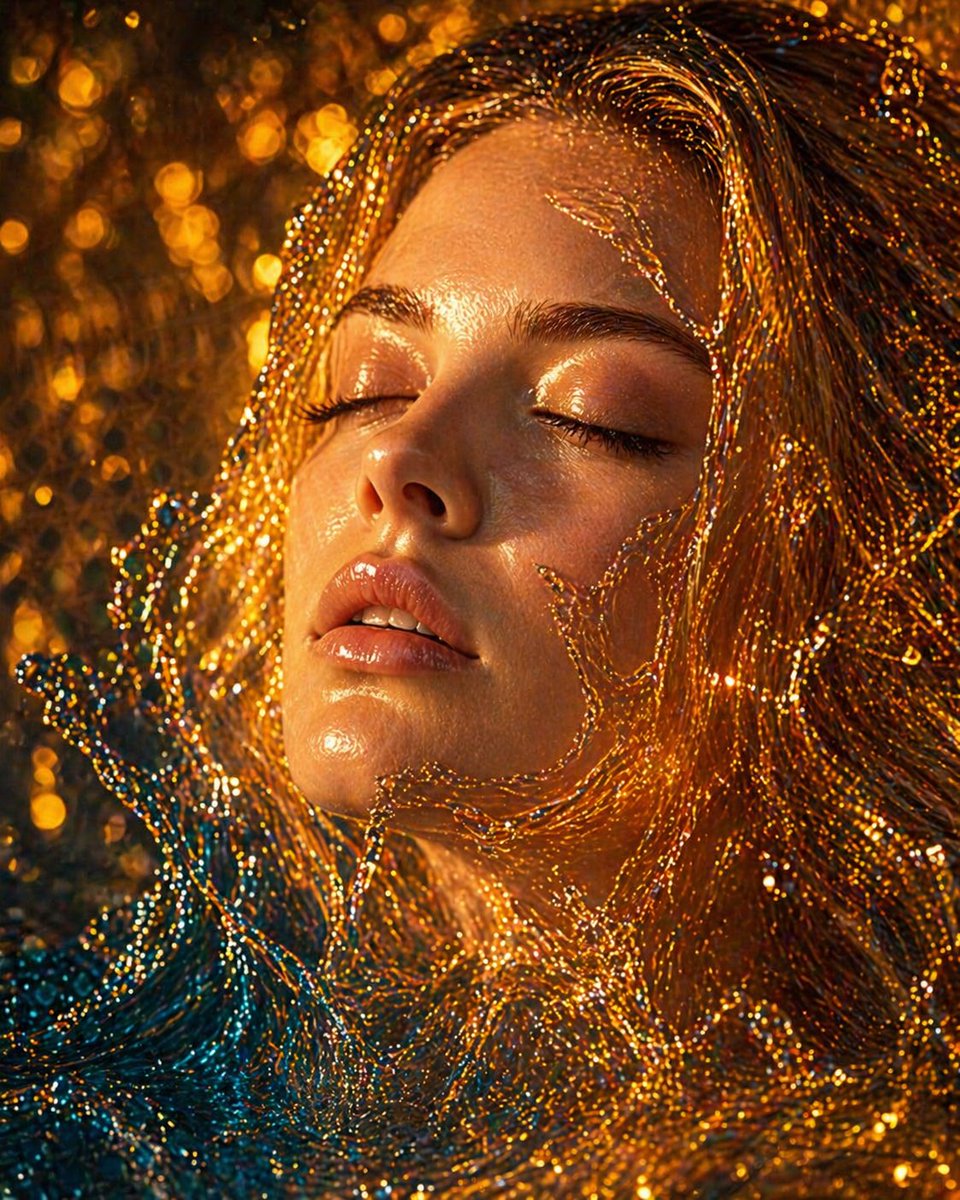
A frame marked with over-editing signals such as a glowing highlight, a bright edge line, and skin without pores

AI Photo Editor

The look that says a picture has been through a tool

There is a family of signals that gives over-editing away, and they are worth learning by name. Highlights that glow with no source in the frame; edges that carry a faint bright line; skin that has lost its pores but kept its shine; a shadow none of the objects could cast; a palette pushed until every color is a little too clean. None of these is fatal alone. Together they make a picture that looks like a render rather than a photograph, and the effect fools nobody who knows the subject. The tool produces them happily, because it is answering each request in isolation with no sense of the running total. Reading a result for these signals is how the total is judged.

A close view of skin and the edge of a shadow at actual size, showing smoothed texture and a softened shadow boundary

AI Photo Editor

Skin, eyes, and shadows keep the count

Some areas record a history of passes better than others. Skin shows every smoothing and every sharpening, because it is both fine-textured and familiar, so people know how it should look at any scale. Eyes lose their small reflections and their slight asymmetry, becoming uniformly bright and perfectly shaped. Shadows, which are the frame's record of where the light came from, get lifted and softened until they anchor nothing. A single ai photo editor pass on any of these can be reasonable; three of them stack into a face that has been through a production line. Zooming to actual size over skin and along the edge of a shadow is the cheapest way to see how many passes are hiding in the file.

A source frame beside a later, brighter version, with the two laid over each other to show the balance that shifted

AI Photo Editor

Balance drifts, and nothing brings it back on its own

A picture holds a balance between its parts: the light side against the dark, the loud color against the quiet, the sharp against the soft. An ai photo editor moves that balance a little with every correction and never moves it back, because each request is read by itself. Over a session the frame can end up brighter than it started, or flatter, or endlessly warmer, and no single step looks responsible. Returning to the source midway is how the drift becomes visible, since a difference too small to notice between consecutive versions stands out against the original. A tool that answers each sentence cannot see the whole, so catching the drift belongs to the person holding the file.

A short list of named faults beside a frame with those faults addressed and its original texture left in place

AI Photo Editor

Doing less has to be chosen on purpose

The natural pull of an ai photo editor is to keep going, because every pass returns something and something usually looks like progress. Restraint has to be a decision rather than a default. That means asking, before each attempt, which specific fault it removes, and skipping the attempt when the answer is a preference rather than a fault. It also means stopping while the picture still shows its own texture and light, rather than after the last trace of them has been polished away. The strongest results from an ai photo editor often come from a shorter session than expected, because the version with the fewest passes is frequently the one that still looks like a photograph.

A written stop rule pinned beside a screen, listing the faults that end the session and the number of passes allowed

AI Photo Editor

A stop rule decided before the first pass

Because judgment blurs once several versions exist, the stopping point is best fixed in advance. A workable rule names the faults that justified the session and declares the job finished when they are gone, whatever else the frame could still be made to do. Another keeps the number of passes low enough to remember, and keeps the source beside every result so the drift stays visible. Written down beforehand, a stop rule does the work a tired eye cannot, and it turns a session with an ai photo editor from an open-ended search into a task with an end. The point of the rule is not austerity; it is protecting the picture from a decision made too late.

A set of numbered versions spread out with one of the earlier frames chosen and the later ones set aside

AI Photo Editor

The version worth keeping is often the second

In practice the file that gets used is rarely the last one produced. It is usually an earlier frame, one or two passes in, before the corrections began to compound. Keeping every intermediate result, rather than overwriting as you go, is what makes that frame available at the end. An ai photo editor makes it easy to turn out a sixth version and hard to remember what the third looked like, so the versions have to be kept on purpose. Sorting them afterwards, with the original in view, usually elects a result from before the work felt finished. The final frame is not automatically the best, and archiving each one is what allows a different answer.

AI Photo Editor

The habits that hold a session back

What keeps a picture from collecting more passes than it can carry.

One fault per pass

Each attempt answers a named fault rather than a preference, so the session has a reason behind every change. An ai photo editor used this way leaves a picture that can still explain what was done to it.

The signals known by name

A glowing highlight, a bright edge, skin without pores, a shadow nothing could cast: learning these marks makes over-editing visible. An ai photo editor will produce them without warning, so the reading has to come from the user.

The source kept in view

Drift is invisible between consecutive versions and obvious against the original. Keeping the untouched file beside the result is what lets a balance that moved be caught before the session runs further.

A pass count kept low

Remembering how many changes a picture has taken is part of judging it. A short count keeps the picture within what it can absorb, where an ai photo editor has no way to hold the count on the user's behalf.

Versions archived, not overwritten

The frame that ends up being used is often an early one, so the intermediates are worth keeping. The tool makes new versions cheap to produce and old ones easy to lose.

A stop rule written down

Fixing the ending in advance does what a tired eye cannot once several versions exist. A written rule turns work with an ai photo editor into a task with an end rather than a search without one.

AI Photo Editor

How a session is kept in bounds

Four habits, from naming the fault to knowing when the picture is done.

1

Name the fault before the pass

Say which specific problem the attempt removes, and skip it when the answer is only a preference. Naming the fault first is what stops an ai photo editor session from becoming a series of small tastes.

2

Keep the source open beside the result

With the original in view, a balance that has drifted becomes visible between versions. This is the check that an ai photo editor cannot run for itself, since each request is answered in isolation.

3

Look at skin and shadow edges at full size

These areas keep a record of every pass, so inspect them at actual size rather than in a preview. Smoothing, brightening, and softened shadows show their count along skin and shadow boundaries first.

4

Stop when the named faults are gone

Treat the session as finished once the faults that justified it have been dealt with, whatever else could still be changed. An ai photo editor will always offer more, so the ending has to come from a decision.

AI Photo Editor

Questions about going too far

What people ask when a picture starts to look worked over.

What counts as over-editing from an ai photo editor?

Any total that costs a picture more of its own texture, light, or balance than the faults warranted. No single pass is usually to blame, which is why the harm is hard to see until the versions are lined up against the source.

How do I tell whether a picture has gone too far?

Look for the known signals: a glow with no source, a bright line along an edge, skin without pores, a shadow nothing could cast. When several appear at once, an ai photo editor has been used past the point the frame could carry.

Why does skin show extra passes first?

Because skin is fine-textured and deeply familiar, so the eye knows how it should look at any size. Smoothing and sharpening both leave their mark there, which makes skin the earliest place an ai photo editor reveals how many changes have stacked up.

Can more passes ever be the right call?

Yes, when each one answers a real fault and the picture can absorb it. The test is whether a name can be given to what the pass removes. When the answer is only that something looks better, an ai photo editor is being used as a preference rather than a repair.

Does the tool make over-editing easier?

It makes it easier to keep going, since every request returns a result and each looks like progress. Restraint is not built into an ai photo editor, so the stopping decision stays with the person, which is exactly why a rule helps.

Should I keep the intermediate versions?

Yes. The frame that ends up being used is often one or two passes in, before the changes compounded. Keeping them lets an ai photo editor user choose an earlier result, which is impossible once the versions have been overwritten.

Is the last result always the best one?

No, and assuming so is how most over-editing gets accepted. The last frame is simply the most recent. Comparing a set of versions against the source with an ai photo editor is what usually elects an earlier one as the keeper.